How one keychain got me 16 Google reviews in one meeting
How one NFC keychain passed around a BNI meeting brought in 16 five-star Google reviews, and how businesses, schools and clubs use them now.
For a while, I kept hearing the same three complaints from customers:
- "How do I find my direct Google review link?"
- "Is there an easy way to get more reviews without texting people?"
- "I try to tell people how to book on our website, but they can't find the form."
These keychains started as my answer to all three. The first batch wasn't for sale, though. I made them as gifts for the members of my BNI chapter, each one printed with that member's own logo and programmed to open their website or their Facebook page. I figured it was a decent way to show people what I'd been working on.
I brought one more keychain with me that morning. That one had my logo on it, and it was set up to open my Google Business Profile.
Passing it around the room
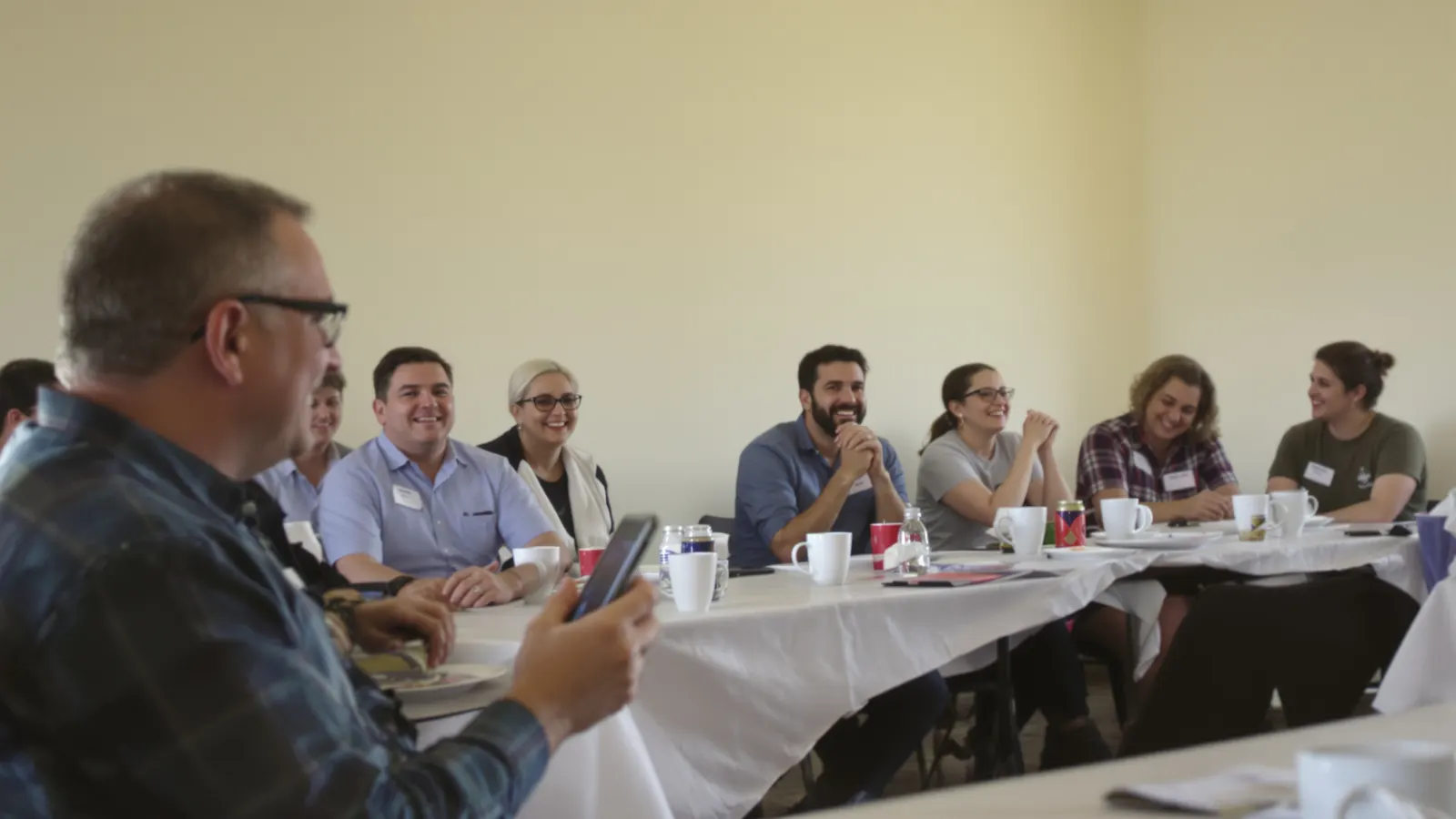
BNI meetings move fast, and nobody wants a long pitch. So instead of explaining how an NFC keychain works, I just handed mine to the person next to me and asked them to hold it to their phone.
My review page opened on their screen. They passed it to the next person, and it went around the room.
A lot of the people in that room had done business with me before, and not one of them had left me a Google review. They weren't unhappy. They'd just never gotten around to it, because nobody had ever put the link right in front of them at a moment when they had their phone out anyway.
That one demonstration got me 16 five-star reviews.
That's the part I still think about. I didn't make a speech about how much reviews matter to a small business. I didn't send a follow-up email with a link, or a reminder a week later. The whole difference was that the review page was one tap away, in the room, while they were thinking about me.
Then people started asking for them
The gift keychains were supposed to be a one-time thing. Afterward, people started coming up to me with requests.
"We need five for our staff, programmed to our reviews."
"We need twenty, but half of them should go here and the other half there."
That second one is when I knew I was onto something. People weren't asking for a novelty keychain. They were asking for a way to point the people they meet at the one page that matters, and different pages for different jobs.
What people use them for now
Since then, these keychains have gone out to a lot of businesses and groups, and they've found uses I didn't plan for. The idea is always the same: a keychain opens one link, and you decide what that link is.
Google reviews
This is still the big one, and it works for the same reason it worked in that BNI room. The ask happens in person, at a good moment, and there's nothing for the customer to search for or type.
A crew member finishes the job, hands over the keychain, and the customer taps it before they've even walked back inside. A front desk keeps one by the register. The rule I'd give anyone is to offer it to every customer the same way. Google doesn't allow picking and choosing who gets asked. Our guide on how to ask customers for Google reviews has scripts for different kinds of businesses.
A Facebook page
Some businesses live on Facebook more than on their website. For them, a keychain that opens the Facebook page is how a customer ends up following them, seeing the next post, and remembering them later. Some of my BNI gift keychains opened a Facebook page for exactly that reason.
Getting paid on the spot
This one surprised me. People link keychains straight to their PayPal or Venmo, so a customer can pay right there without asking how to spell a username or scrolling through search results for the right account. It's handy for anyone who works away from a register: people doing mobile services, markets, and small jobs where a card reader is more trouble than it's worth.
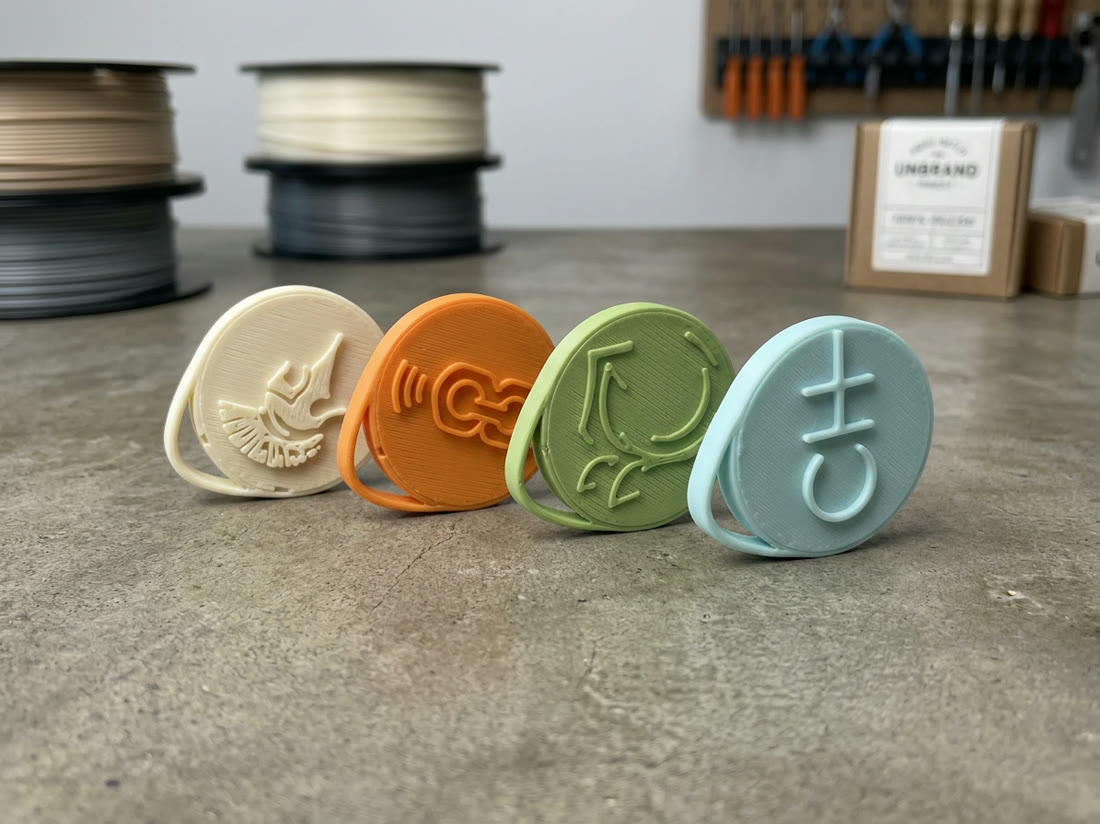
One client shows this better than I can. She films competitive horseback riding, and her clients regularly catch her a minute before they ride, sometimes while they're already on the horse, wanting to book a filming before they hand their phone off to someone else. She wears two keychains on lanyards, each a different color, one linked to PayPal and one to Venmo. She asks "PayPal or Venmo?", taps the matching keychain to their phone, and she's paid before the ride starts.
That's also why the colors matter more than people expect. When you have a few seconds and more than one link, you don't want to be reading labels.
Membership applications for our BNI chapter
My own BNI chapter uses them to sign up new members. When we have visitors, we show a QR code for the membership application during our presentation. A lot of visitors don't scan it. Then the meeting ends, they leave the room to talk with our visitor hosts, and they no longer have any way to get to the application link.
Now our visitor hosts carry keychains that open the application. When a visitor says they're interested, the host hands over the keychain and the application is on their phone right there, in the middle of the conversation. We're converting more visitors into members since we started doing it that way.
It's the same lesson as the review demo. A code on a screen is easy to miss, but a link someone puts in your hand is hard to lose.
Contact and booking forms nobody can find
Plenty of good websites have a contact form or a booking page buried three menus deep. Pointing a keychain straight at that page skips the hunt. The customer taps and lands on the form, ready to fill it out, instead of giving up on the homepage.
PTO fundraising and non-profits
Schools and non-profits point keychains at their donation page or payment link, so someone at an event, a game, or a pickup line can give in a few seconds. People who'd never stop to type in a web address will tap a keychain that's handed to them.
One of the fundraisers I've made keychains for was a moms' group raising money for a high school's PTO.
Why the link matters more than the keychain
The keychain is the part people see, but what makes it useful is the link behind it. Every keychain I make points at a link I host for the owner, not straight at the destination. That does two things.
First, you can change where it goes. A keychain that opens your Google reviews today can open your holiday special in December or your booking page next spring, and nothing gets reprinted. The keychains already out in the world follow the new link as soon as you save it.
Second, every tap gets recorded. Once orders like "twenty, half here and half there" started coming in, people wanted to know which half was getting used. So on our Pro plan, the dashboard shows taps for every keychain, and if you give one to each employee with its own link, you can see who's actually handing theirs out. On the free plan, all your keychains share one link and you don't see tap stats, but the taps are still recorded, so they're there if you upgrade later. Our guide on tracking which employees ask for reviews covers how to use those numbers without turning them into a quota.
What that first meeting taught me
Most of the people who'd never reviewed me weren't holding out. They liked my work and would've written a review any time. They just needed the link in their hand at the right moment.
That's still the whole idea behind Keychain Reaction. Your logo goes on the keychain, we program it, and you decide where it points. The rest is handing it over while people have their phone out.
Questions people ask me
Did you give people something in exchange for those reviews?
No. The gift keychains were for the chapter members' own businesses, with their own logos on them. The reviews came from people who'd worked with me before and chose to leave one when my keychain came around. Offering anything in return for a review is against Google's rules, and I'd tell any business the same thing.
Can one keychain open different things for different people?
Each keychain opens one link at a time. On the free plan, all your keychains open the same link, and you can change where it points anytime from the dashboard. If you want some to open your reviews and others your booking page, that's what Pro is for: you split them in the builder when you order, and you can change any of them later from the dashboard.
Does the person tapping need an app?
No. Most iPhones from the XS on and most Android phones with NFC turned on open the link on their own. Older iPhones (7 through X) need one setting turned on, which our guide on which phones read NFC tags walks through.
What if I want to use it for fundraising?
Point it at your donation page, or at the PayPal or Venmo account your group uses to collect. With Pro, the dashboard shows when the taps came in, so you can see which events brought people in.


