How to ask customers for Google reviews without the awkwardness
Word-for-word scripts for asking customers for Google reviews in person, a follow-up text that doesn't nag, and the Google rules every owner should know.
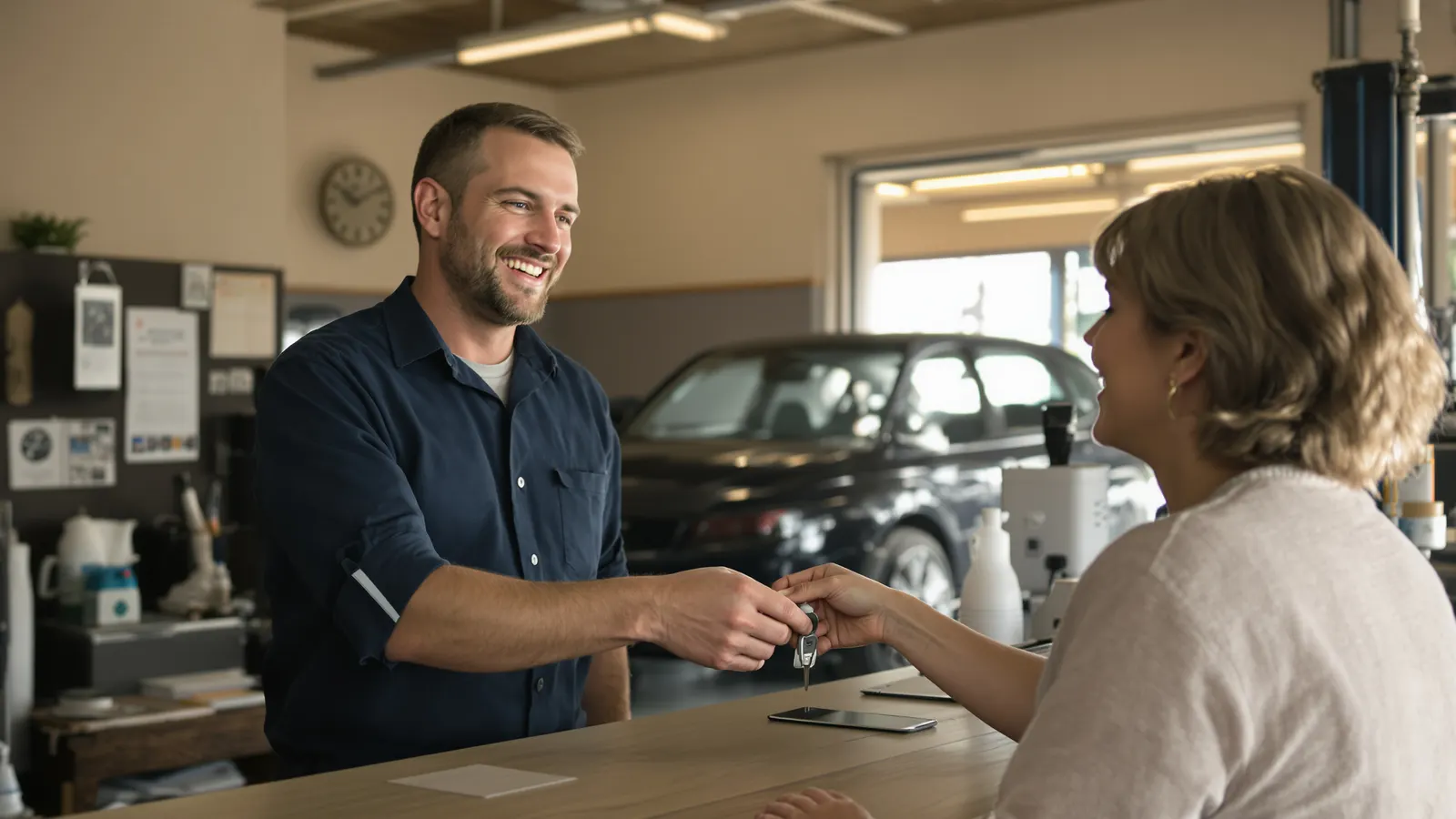
The best time to ask for a Google review is the thirty seconds after you hand somebody their keys, their receipt, or their freshly cut hair, while they're still standing in front of you and still pleased about it. Most owners know this. Most owners also skip it, because asking feels a little like begging, and nobody got into the plumbing business to beg.
It doesn't have to feel that way. If you've got a direct link, a sentence you've said out loud a hundred times, and a plan for the people who say "sure, I'll do it later," asking becomes as routine as asking if they want a receipt. Below is how we'd set it up, with scripts you can steal for six kinds of businesses.
Ask while they're still standing there
A customer's willingness to write a review is highest right when the job wraps up. They just watched the water heater fire up. They just saw the crown fit. They're relieved, a little grateful, and they have their phone in their hand anyway.
Then they walk out to the truck, and the day takes over. They've got a kid to pick up and three emails to answer. By the time they remember you, if they do, the good feeling has cooled into "yeah, that was fine."
- Ask hereThe job's doneThey're standing in front of you, and it's fresh.
- Walking outKeys out, already thinking about the next thing.
- That eveningA text from you, between dinner and everything else.
- Next weekThey remember it went fine. That's about it.
So the ask belongs at the handoff, in person, from whoever did the work or whoever's at the counter. A survey a week later and a sign by the register have their place, but they can't do this part of the job.
I found this out by accident. The first time I showed these keychains off, at my BNI chapter, I passed my own around the room, set to open my Google review page. Sixteen people I'd done work for over the years left five-star reviews. None of them had been unhappy. They'd just never gotten around to it until someone put the link in their hand.
Make it one step, not a scavenger hunt
"Just search for us on Google and leave a review" sounds easy and almost never happens. The customer types your name, gets a competitor's ad, scrolls, finds your listing, hunts for the review button, and somewhere in there a text comes in and they're gone.
Google gives every business a direct link that opens the review box for your profile. In your Business Profile, go to Read reviews, then Get more reviews, and choose Copy to grab the link. On a computer you can also save a QR code from the same screen (Google says the QR code can only be generated in a computer browser, not on mobile). If you'd rather not dig through menus, our free Google review link tool will find it for you.
Once you have that link, put it everywhere a customer already looks: the bottom of your invoice, your thank-you email, your text follow-up. Google itself lists receipts, thank-you emails, and in-store displays as fine places for it.
Scripts that don't sound like a script
The trick is to say it plainly, say why it matters to you, and hand them the easiest possible way to do it. Keep it short. Say it the same way to every customer (more on why in the rules section).
Plumbers, HVAC, electricians
After you've tested everything and walked them through it:
"You're all set. If you've got a minute later today, a Google review helps us a lot. We're a small outfit and that's mostly how people find us. I'll text you the link so you don't have to go looking."
Then actually send the text before you back out of the driveway.
Hair and nail salons
At the chair, once they've seen the finished look and you've swept the cape off:
"I'm glad you like it. If you ever have a second, would you leave us a Google review? Here's the link, it goes straight to the review box."
Point to the card or QR code at your station. Don't stand over them while they do it.
Dental and medical offices
This one usually happens at checkout, not in the chair:
"Thanks for coming in today. We ask everybody this: if you're up for it, we'd appreciate a Google review. It's on your receipt, and we'll send the link by text too."
Medical and dental offices should keep reviews and replies clear of anything about a patient's treatment. That goes double for your replies, which we'll get to.
Auto repair
At the counter with the keys and the invoice:
"She's ready to go. Everything we did is on the invoice. One favor: if you have a minute this week, a Google review really helps a small shop like ours. The link's right there at the bottom."
Cafes and restaurants
You can't ask every latte customer in a morning rush, and you shouldn't try. Put the link on the receipt and a small card by the register, and have staff mention it to regulars on slower days:
"Glad you keep coming back. If you ever feel like leaving us a Google review, it'd mean a lot. The card's right there."
Landscapers, cleaners, and anybody who works while the customer is away
If they're not home when you finish, the ask moves to text, sent right when you pack up:
"Hi Ms. Carter, this is Dale with Lowcountry Lawn. We finished up at your place today. If you have a minute, a Google review would help us out a lot: [link]. Thanks for having us."
Send that same text to every yard, every time. The day you start skipping the houses where something went sideways, you're into territory Google doesn't allow, which we cover below.
When they say "sure, later"
Most people will say some version of "yeah, I'll do it tonight." They mean it. They also won't remember.
Don't push in the moment. Smile, say "appreciate it," and get the link into their hands so "later" has somewhere to land. A text works best because it's sitting right there on their phone when they finally sit down that evening. If you don't have a cell number, the thank-you email is your backup.
Some shops hand over something physical, a card with a QR code or a tag that opens the link with a tap, so the reminder rides home in their pocket. That's one reason we make our NFC review keychains: the customer can tap the tech's keychain right at the counter, and if they'd rather do it later, you still send the text.
Follow up once, then let it go
One reminder is helpful. Two is nagging. Three and they start ignoring your texts altogether, including the one about their next appointment.
Send the follow-up a day or two after the job, and keep it shorter than the first message:
"Hi Mark, Tasha from Palmetto Dental. Just a quick reminder in case it slipped your mind: [link]. No worries if not. Thanks again!"
That "no worries if not" matters. It takes the pressure off and makes it clear you're not keeping score. After that, you're done. If they write one, great. If they don't, they're still a customer, and you'll see them next time.
Stay inside Google's rules
Google's policy for reviews on Maps is short and worth reading once. A few lines in it trip up well-meaning owners all the time.
Ask everyone, including the grumpy ones. Google doesn't allow businesses to "selectively solicit positive reviews from customers." That includes the setup some review software sells, often called review gating: a "How did we do?" screen where the thumbs-up people get sent to Google and the thumbs-down people get sent to a private form. If you ask, ask every customer, the one who was thrilled and the one who grumbled about the price.
No incentives of any kind. Google says you can't offer "payment, discounts, free goods and/or services" in exchange for a review, or to get a negative one changed or removed. Its Business Profile help calls this fake engagement and says it's strictly prohibited. So no "10% off your next visit for a review," no free coffee for posting one.
No pressure on the premises. The policy says merchants "should not require or pressure users to leave ratings or write reviews while on the premises." Asking once and handing them the link is fine. Standing there until they finish, or holding up the checkout until they post, isn't.
Don't tell them what to write. The same line says you shouldn't "request that specific content be included." That covers "mention our fast service" and it also covers asking customers to name the employee who helped them. Google specifically lists staff soliciting reviews with content that identifies a staff member as a problem.
Don't give staff review quotas. Google also calls out merchants who require staff to solicit a certain number of reviews. It's fine to track which employee's customers are leaving reviews so you know who's asking. Just don't turn it into "get ten this week or else."
And the obvious one: you, your employees, and your family shouldn't review your own business. Google counts current or former employment and other close affiliations as a conflict of interest.
Reply to every review you can
Google's own tips for getting more reviews include replying to them. When you reply, the reviewer gets a notification, and your reply shows publicly under their review, posted as the business rather than under your personal name. That second part means you're also writing for every future customer who reads it.
Google's guidance is to keep replies polite, short, and simple, and to skip the copy-paste "thank you!" on every one. A good reply to a happy review sounds like a person:
"Thanks, Jeff. Glad the new unit's keeping the upstairs cool. Call us if anything acts up before the warranty's out."
For a bad review, Google suggests acknowledging the concern, apologizing when it's warranted, using the reviewer's name, and responding promptly. Never share private information about the customer, and never go after them personally, no matter how wrong they are. Something like:
"Linda, I'm sorry the wait ran long on Tuesday. That's not how we want anyone's visit to go. Please call me directly at the shop so I can make it right."
Then take it offline. People reading your reviews later mostly want to see that somebody answered like an adult. If you write a reply you regret, you can edit or delete it from the same Read reviews screen.
Questions owners ask
Is it against Google's rules to ask for reviews at all?
No. Google's policy allows businesses to solicit or encourage reviews that reflect a genuine experience, as long as you don't offer incentives or try to influence the rating or what the review says. Its own Business Profile help tells you to remind customers to leave reviews.
Can I send the review link only to customers who told me they were happy?
No. Google prohibits selectively soliciting positive reviews. Send the same ask to every customer, or don't send it at all.
Can I run a contest or give a discount for leaving a review?
No. Google prohibits offering payment, discounts, or free goods or services in exchange for posting a review. A giveaway entry for reviewers works the same way, so skip it.
Where do I find my direct Google review link?
In your Business Profile, choose Read reviews, then Get more reviews, then Copy. Or use our free Google review link tool.


