How to see which employees are actually asking for reviews
How owners with crews or front-desk staff can see who's asking customers for Google reviews, coach the quiet ones, and stay inside Google's rules.
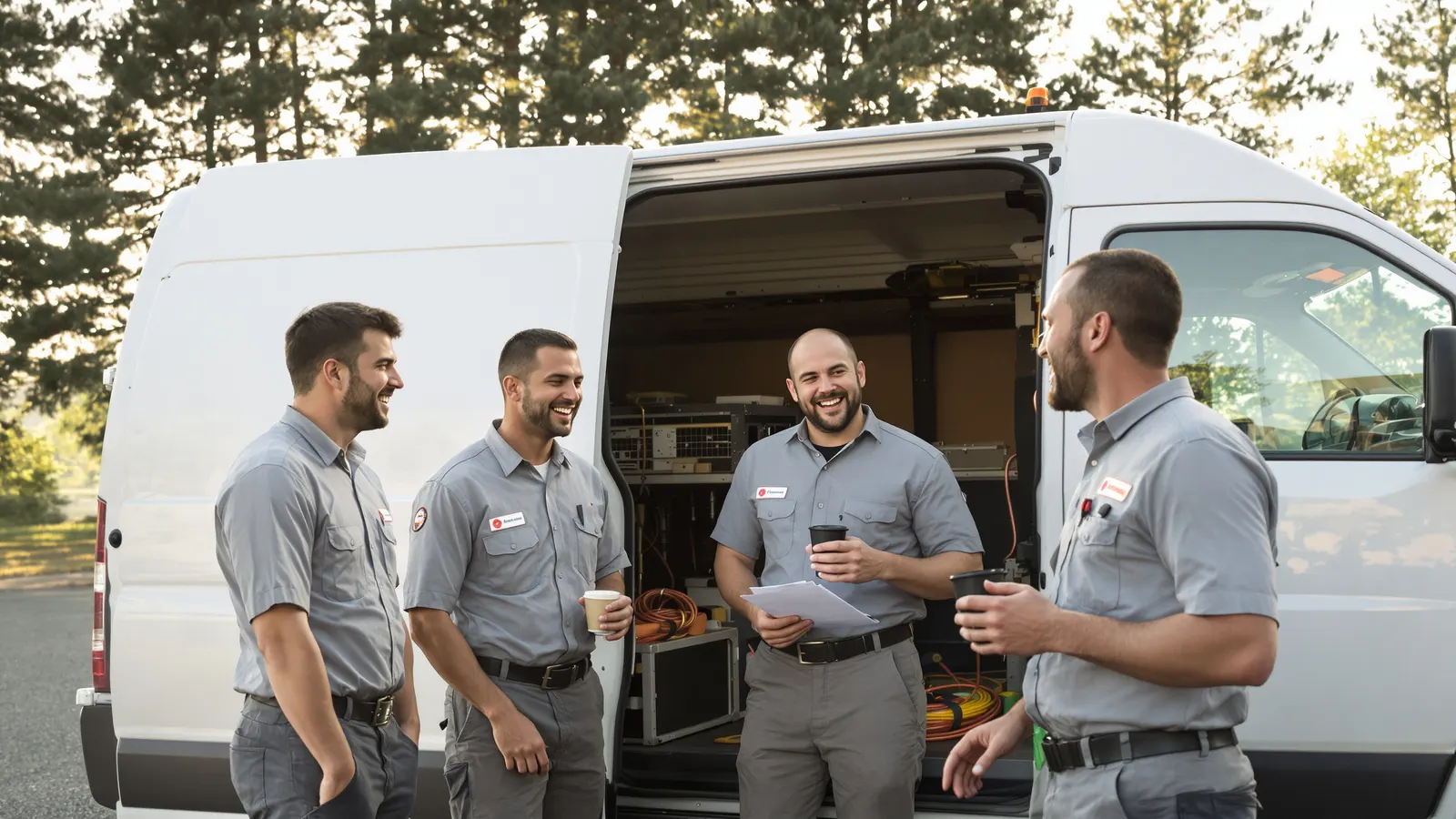
Most owners with a crew have given the Monday speech: ask every customer for a review. Everybody nods. A couple of reviews trickle in over the week, and you're left guessing whether everyone asked and customers ignored them, or one person asked and the rest forgot by Tuesday.
That's true whether you've got techs in trucks, stylists at chairs, or a front desk checking people out all day. The instruction is simple. Knowing whether anyone follows it is the hard part.
Why "ask every customer" falls apart
Asking for a review is a small, slightly awkward thing to do at the end of a job. The customer is writing a check, the tech is thinking about the next address, and the dog is barking. It's the easiest step to skip, and skipping it costs nothing that anyone can see that day.
With no feedback, the habit fades. The people who were already comfortable asking keep doing it. The ones who felt awkward about it quietly stop, and you can't tell the difference, because a slow review month looks the same whether nobody asked or everybody asked and customers got busy.
You can't coach what you can't see. So the real question is how to see it.
The ways owners try to measure it
Asking staff to report it
The cheapest option is to ask people. "Did you ask for a review on that job?" gets a yes almost every time. Not because anybody's lying on purpose. Memory is generous, and "I mentioned it" can mean a lot of things. Self-reporting is fine as a conversation starter and poor as a number.
Counting reviews that mention someone by name
Some owners scan reviews for names. "Marcus was great" goes in Marcus's column. It's free, and it's nice to read, but it only catches the customers who happen to remember a name, and it misses everyone who asked and got a review that just says "fast and fair."
Be careful not to turn this into a request. Google's policy doesn't allow asking staff to get reviews that identify a staff member (more on that below). If customers mention your people on their own, great. Telling staff to say "and mention my name!" is where it crosses the line.
Review-management software
There are platforms that send review requests by text or email after a job and track who triggered them. If your jobs already run through a CRM or dispatch system, that can work well. It also measures the automated message more than the face-to-face ask.
A separate link for each person
This is the one that actually tells you something. Give each employee their own link that forwards to the same review page, and count how often each link gets opened. You can do it with a short link per person, a UTM-tagged link, or a printed QR code per employee on a card they hand out.
Our version is an NFC keychain per person, each with its own link, on our Pro plan. Same idea, but the customer taps instead of typing or scanning, and it rides on the employee's keys instead of ending up in a truck cupholder like a stack of cards.
Why a tap tells you more than a review count
A review is the result you want, but it's a lousy way to measure whether someone asked.
First, you often can't tell who a review came from. Most reviews don't name anybody, and you can't make them.
Second, timing. A customer might open the link in the driveway and write the review three days later on the couch.
Third, lots of people who get asked won't leave a review at all. That's normal, and it isn't the employee's fault.
A tap or a scan, though, happens right there, in the moment of the ask. If Sarah's link got opened nine times this week, Sarah put her keychain or card in front of customers. That's the behavior you're trying to build, and it's the part your people actually control.
Setting it up
The setup is simpler than it sounds:
- Pull your Google review link from your Business Profile. Google has a help page on asking customers for reviews that walks through getting a review link or QR code.
- Make one tracked link per employee, and name each one clearly, like "Google Reviews: Sarah" and "Google Reviews: Marcus."
- Point every one of them at the same review page. You're not sending customers anywhere different. You're just counting who sent them.
- Hand each person their keychain, card, or link, and tell them straight out what you're doing and why.
That last step matters. If you set this up quietly and spring numbers on people later, it feels like surveillance. If you say "I want to see who's asking so I can help the folks who find it awkward," it feels like what it is.
In our builder at /build, you can give each keychain its own link, which does steps 2 and 3 for you. Separate links per person and the tap counts that go with them are part of Pro ($12.99 a month, cancel anytime), which you can add at checkout or later from your dashboard. The free plan gives you one link for all your keychains, with no tap stats.
What to do with the numbers
Look once a week. Daily is too noisy, and monthly is too late to fix anything. Pick a time, like Friday afternoon or Monday dispatch, and glance at taps per person and when each link was last used.
The most useful thing on the screen usually isn't the top number. It's the link nobody's touched in two weeks. That's your conversation.
When someone has zero, start with a question, not a verdict. Maybe they're uncomfortable asking. Maybe they don't know what to say. Maybe the keychain is in a drawer at home. Give them a line that sounds like them. Something like "If you've got a minute sometime, an honest Google review really helps a small outfit like ours. Just tap this to your phone." Ride along once, or have your best asker show them how they do it.
Don't punish low numbers. The moment a low count means a write-up, people will find ways to game it, like tapping their own keychain in the truck, and you'll lose the only honest signal you had.
Why there's no contest or quota here
It's tempting to turn the dashboard into a scoreboard with a gift card on top. Don't. Google's review policy lists these among the things merchants may not do:
- "Merchants requesting that staff solicit a certain number of reviews"
- "Merchants requesting that staff solicit reviews that include specific content, including content that identifies a staff member."
So no quotas, no "ten reviews a week or else," and no prizes for whoever racks up the biggest number, counting reviews or taps. A tap contest is a review quota wearing a different hat. The same section says businesses shouldn't "require or pressure users to leave ratings or write reviews while on the premises." Offer the tap, thank them, and let it go. Nobody stands over a customer until they finish typing.
Two more rules sit right next to those. Businesses may not offer incentives, and Google names "payment, discounts, free goods and/or services," in exchange for posting any review. And they may not "selectively solicit positive reviews from customers." That means you ask everybody, including the customer who waited an extra hour for a part. A tech who only hands the keychain to the happy ones is doing exactly what Google forbids, and it's worth saying that out loud at the team meeting.
The standard is simple: ask every customer. Not a number. The dashboard's job is to show you who isn't asking at all, so you can help them, not to rank people against a target. If you want to recognize somebody, recognize the habit. "Marcus offers it on every single job, even the grumpy ones" is worth a thank-you in front of the crew. A bonus tied to a count isn't.
What the numbers can't tell you
A tap isn't a review. Somebody might tap, glance at the page, and never write a word. Treat taps as a count of asks, not of results.
Slow weeks are slow weeks. If it rained all week and half your jobs got pushed, everybody's numbers will drop, and that's the weather, not the crew.
Different roles see different volume. Say you have four techs, and one of them spends most of the week on a single commercial install. He might talk to two customers all week while the service guys see thirty. Comparing those two raw counts is unfair. Compare people to themselves over time, or to others doing the same kind of work. A stylist doing long color appointments sees fewer clients than one doing quick cuts, too. Keep that in mind before you read anything into the gap.
On Pro, the busiest hours and days view shows when the asking actually happens, which helps you spot the shifts where it doesn't.
When someone leaves
People move on. The keychain doesn't need to go in the trash.
Because each keychain points to a link you control, you can rename or reassign it in the dashboard. Change "Google Reviews: Sarah" to "Google Reviews: Jordan," hand the keychain to the new hire, and it starts counting for Jordan. The printed keychain doesn't change because the link behind it is dynamic.
If you'd rather keep the old history separate, give the keychain a fresh link instead. Either way, get the keychain back on the last day along with the truck keys, and it's ready for the next person.
Questions owners ask
Can I just use a QR code or short link per employee instead?
Yes. A separate short link, UTM link, or QR code per person does the same basic job, and it's free. The tradeoffs are that customers have to scan or type something, cards get lost, and you'll need to stitch together the counts yourself. A keychain per person is a convenience, not the only way to do it.
Is it against Google's rules to track which employee asked?
Nothing in Google's review policy prohibits counting how often each employee offers the review link. What the policy prohibits is incentivizing reviews, selectively asking only happy customers, pressuring people on the premises, asking staff to hit a number of reviews, and asking for reviews that name a staff member. Use the counts to find who needs coaching, and keep them away from targets and prizes.
What if one employee is way ahead of everyone else?
Don't turn it into a race. Ask them what they say and when they say it. Your best asker usually has a line and a moment that works, like right after showing the customer the finished job. Borrow it for everybody else.
How many keychains do I need?
One per person who talks to customers at the end of a job or visit. Keychains are $10 each in packs of 4 or more, with free shipping (most orders go out the next business day) and a 30-day money-back guarantee. Seeing each person's taps takes Pro, which is $12.99 a month. More detail is on the NFC review keychains page.
Sources
- Google Maps User Generated Content Policy, Prohibited & restricted content: https://support.google.com/contributionpolicy/answer/7400114
- Google Business Profile Help, on asking customers for reviews: https://support.google.com/business/answer/3474122


